



For a participant there is almost nothing to learn: open the link, allow your camera and microphone, and you are in the meeting. For an organisation the answer has changed. Zoom is no longer a meetings app with AI added on top. It is a work platform in which AI sits inside each part, and that is the difference between how most people picture Zoom and what they are actually buying.
Joining and hosting, in practice
- To join: click the link in the invitation. You do not need an account and you do not have to install anything, because it runs in a browser if you prefer.
- To host: schedule from the Zoom app, from your calendar, or from your email client. The invitation carries the link and the dial-in details.
- Where it runs: laptop, phone, tablet, meeting room system, and in the car through Apple CarPlay and Android Auto.
- In a meeting room: one touch on the panel. If your rooms need more than one touch, that is a room design problem rather than a Zoom problem, and it is worth fixing because it is the main reason meetings start late.
That is the whole of the user training most people need. The rest of this answer is about what your organisation actually gets.
What Zoom consists of now
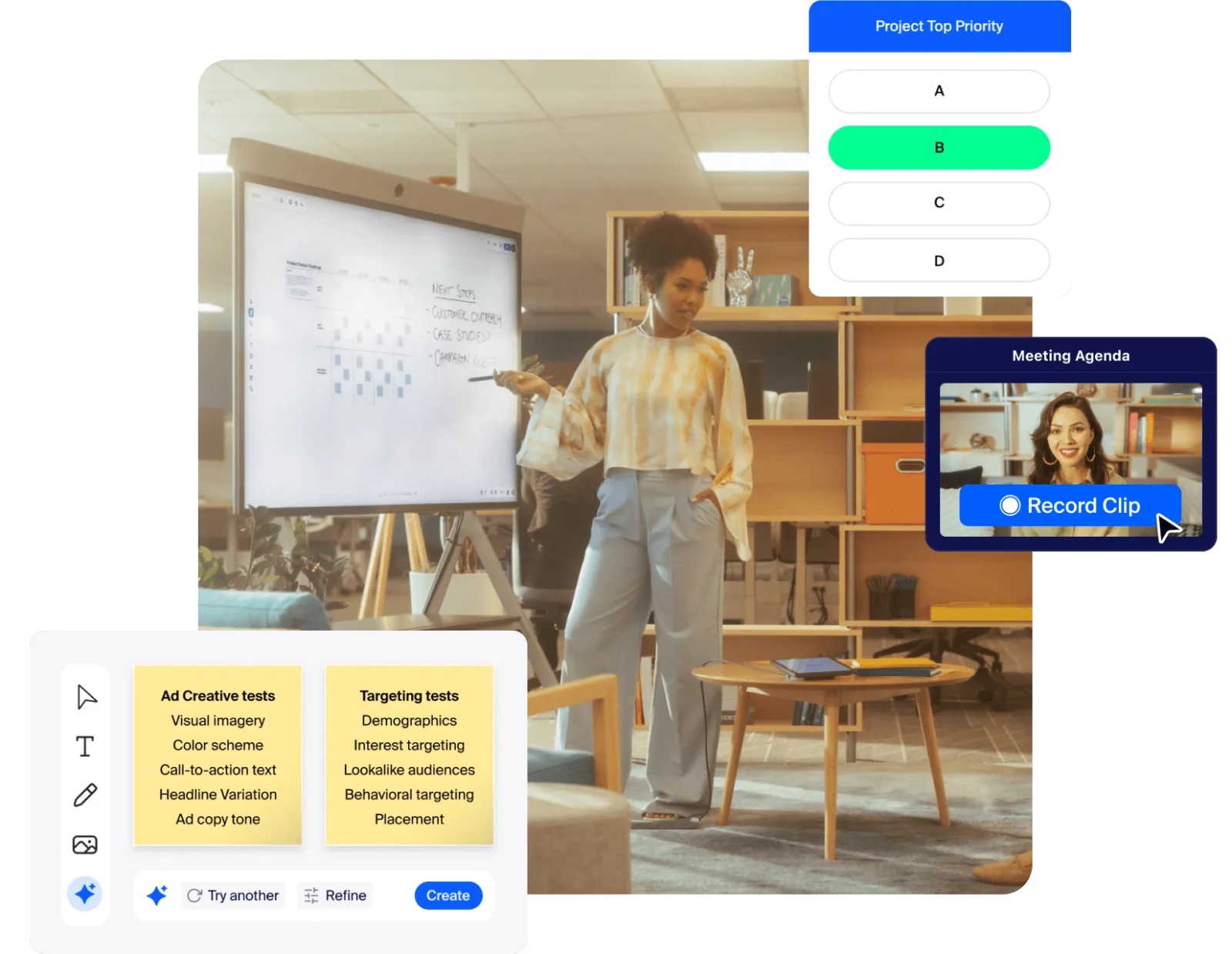
- Meetings for video, with summaries and transcription produced automatically.
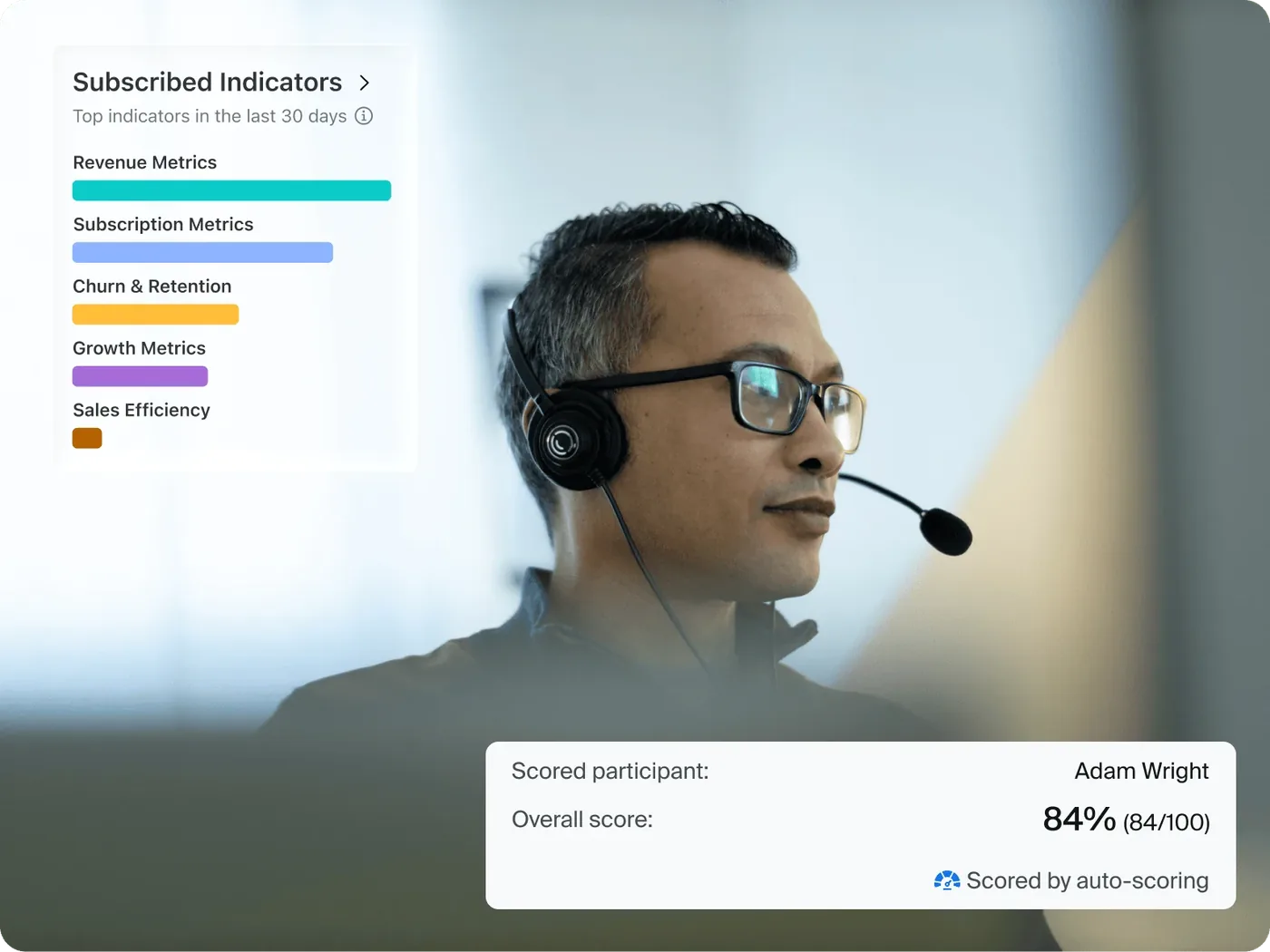
- Zoom Phone for telephony, replacing a traditional PBX, with call summaries, voicemail prioritisation and task extraction so follow-up does not disappear into a call log.
- Webinars and Events for large audiences, sold in capacity tiers well beyond what most organisations will ever need.
- Contact Center for customer service, including virtual agents that resolve rather than only deflect.
- Workvivo for reaching employees who have no desk and no company email address.
- Rooms for meeting spaces, managed centrally rather than visited.
The reason to list them together is that most organisations buy one, use it well, and never discover they are already paying for parts of the rest.
What “AI-first” actually means here
It is a description of where the AI sits, not a slogan. Zoom’s AI features are built natively into Zoom Workplace rather than offered as a separate assistant you have to invoke, and on eligible paid plans the core features are included at no additional cost. In June 2026 Zoom retired the “AI Companion” brand name entirely and the capabilities continue under functional names: meeting summary, call summary, transcription, chat compose, voicemail prioritisation. If you still see AI Companion referenced somewhere, that material predates the change.
Above those sits ZoomMate, launched in June 2026 and sold separately. Where the built-in features produce something for you to act on, ZoomMate acts: agentic search across Zoom, the web and connected business systems with cited answers, orchestration of follow-up such as scheduling, updating records and creating tasks, and generation of documents, presentations and spreadsheets.
The practical consequence is worth stating plainly. If your organisation is paying separately for a meeting notetaker per user, there is a reasonable chance you are paying twice.
What to watch out for
- Included does not mean switched on. The core AI features sit on your licence but can be disabled in the admin console. Check there before concluding you do not have them.
- The free Basic tier is limited. If part of your organisation is on Basic, very little of the above applies to those users.
- Your audio decides your AI output. A room with one laptop microphone at the head of the table produces a weak summary, because the AI cannot summarise what the room did not capture. This is the single biggest determinant of quality and it is a hardware question, not a software one.
- AI summaries are not minutes you can skip reading. They are accurate about what was said and silent about what was meant. A meeting with no clear decisions produces a summary that faithfully reflects that.
- Governance comes before rollout, not after. Decide which meeting types are excluded, what the output may be used for, and what you tell your people. Left until after go-live, these arrive as objections and stall the project.
Where to start
Not with training. Start by finding out what you already have: which licence tier each group is on, which AI features are enabled, and what separate tools people are expensing for things Zoom already does. That audit takes an afternoon and in most organisations it changes the budget conversation before anyone has bought anything.