


ZoomMate Basic
Included with Zoom Workplace Basic, the free plan
- ZoomMate inside Zoom Workplace
- A low-risk way to get started
Talk and meet
Rooms and spaces
Customers and staff
AI insights
From plan to daily use
People and adoption
Learn
ZoomMate analyses your conversations, learns from them and acts on them. It prepares the agenda, the deck, the doc and the follow-up, so you get to do the part that needs you.
In Zoom, context plays the lead role. ZoomMate knows what was said, who said it and what it relates to, and turns that into work you can send.
Agendas, decks, docs, follow-ups and research: ZoomMate prepares them, you check and approve. Nobody has to be the person who “quickly types up the notes” anymore.
The small jobs that fill a week. ZoomMate handles them on schedule, remembers what you told it and shows where its answers come from.
A daily briefing before your first call, a weekly summary on Friday, a tracker that keeps an eye on meeting follow-ups. Set it once and stop thinking about it.
ZoomMate learns how you work and what matters to you, so you stop explaining the same project three times.
Decisions first, a table of owners, or three bullet points for the boss. You pick the recap format, ZoomMate sticks to it.
Ask a question across meetings, chats and connected files, and get an answer with citations you can click and check.
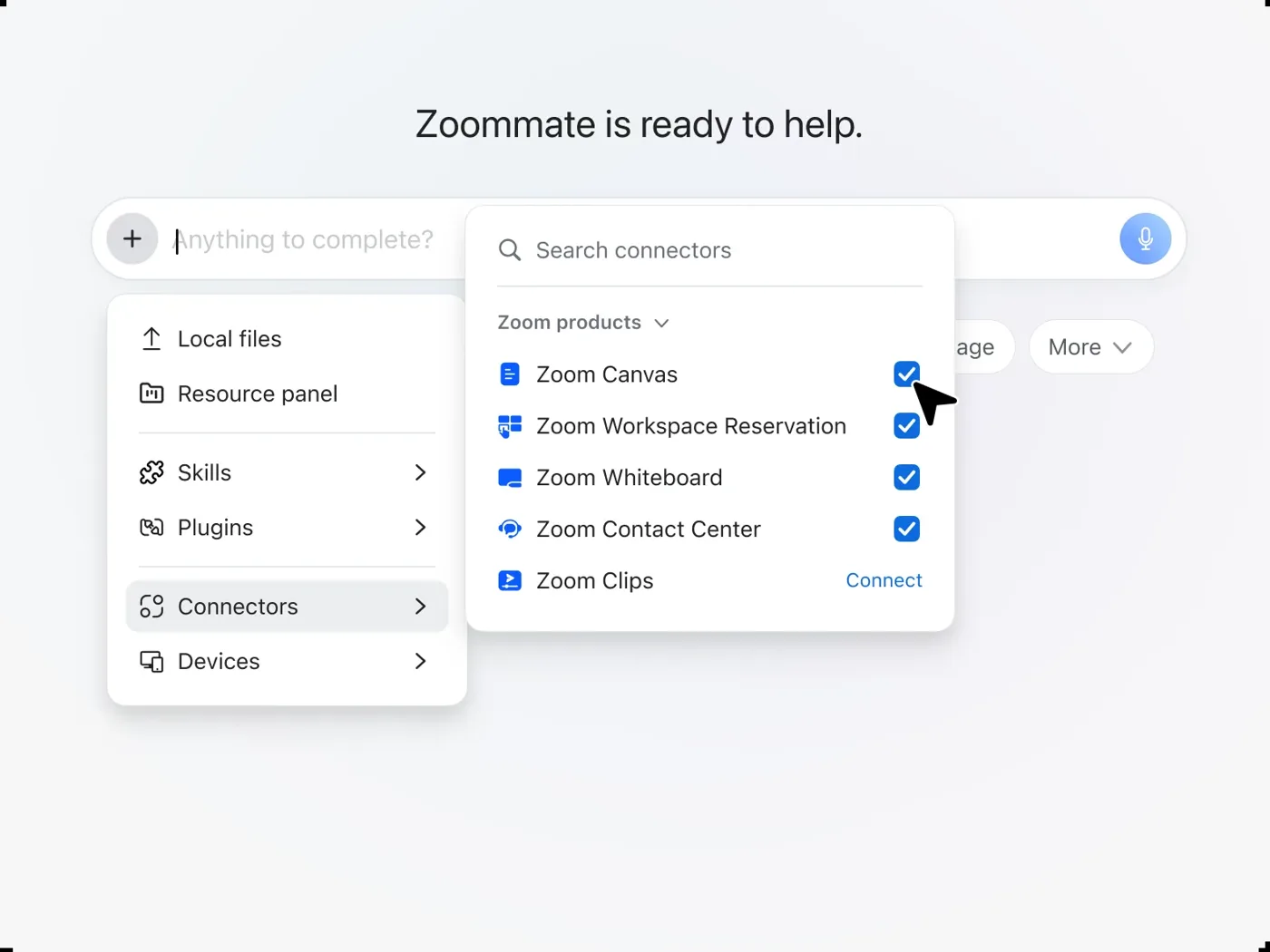
ZoomMate reaches into your other systems, so the work lands where it belongs. No copy-pasting between five tabs.
Ask which connectors fit your stackZoomMate does not stop at answering. Give it an agent or a workflow, and it carries out the steps that follow.
Ready-made agents for Sales, IT, Marketing and Finance, so teams start with something that already speaks their language.
Build an agent around your own process and talk to it in Zoom Chat, like any other colleague. Minus the coffee breaks.
Start from a template or the workflow builder, set a trigger, and let a meeting, message or date kick off the next steps.
ZoomMate works with the documents your team makes in Zoom. Draft, calculate, present and take notes in one place, with your conversations as the raw material.

You can start without a new budget line. The paid version is where the agents and the heavy lifting live.
Included with Zoom Workplace Basic, the free plan
2,200 AI credits per user per month
Switching it on takes a minute. Getting people to hand over their follow-ups takes a plan, and that is where our experts come in.
We find the follow-ups and routines that eat the most time in your teams.
Connectors, permissions and admin settings, set up properly from the start.
Hands-on sessions, so ZoomMate ends up in the daily routine instead of in a forgotten tab.
Through our Managed Services we add agents and workflows as Zoom ships new ones.
ZoomMate Basic comes with Zoom Workplace Basic, the free plan. Paid ZoomMate adds 2,200 AI credits per user per month, custom and pre-built agents, deep research and Voice Translator. We help you work out which users need which version.
Among others Salesforce, Jira, Google Drive and OneDrive. That lets ZoomMate use your documents as context and put follow-ups where your teams already work.
You do. People review and approve what ZoomMate prepares, and we set up connectors and permissions so it only reaches what each user is allowed to see.
Tell us how your teams meet and follow up today. One of our experts shows you where ZoomMate saves the most time.