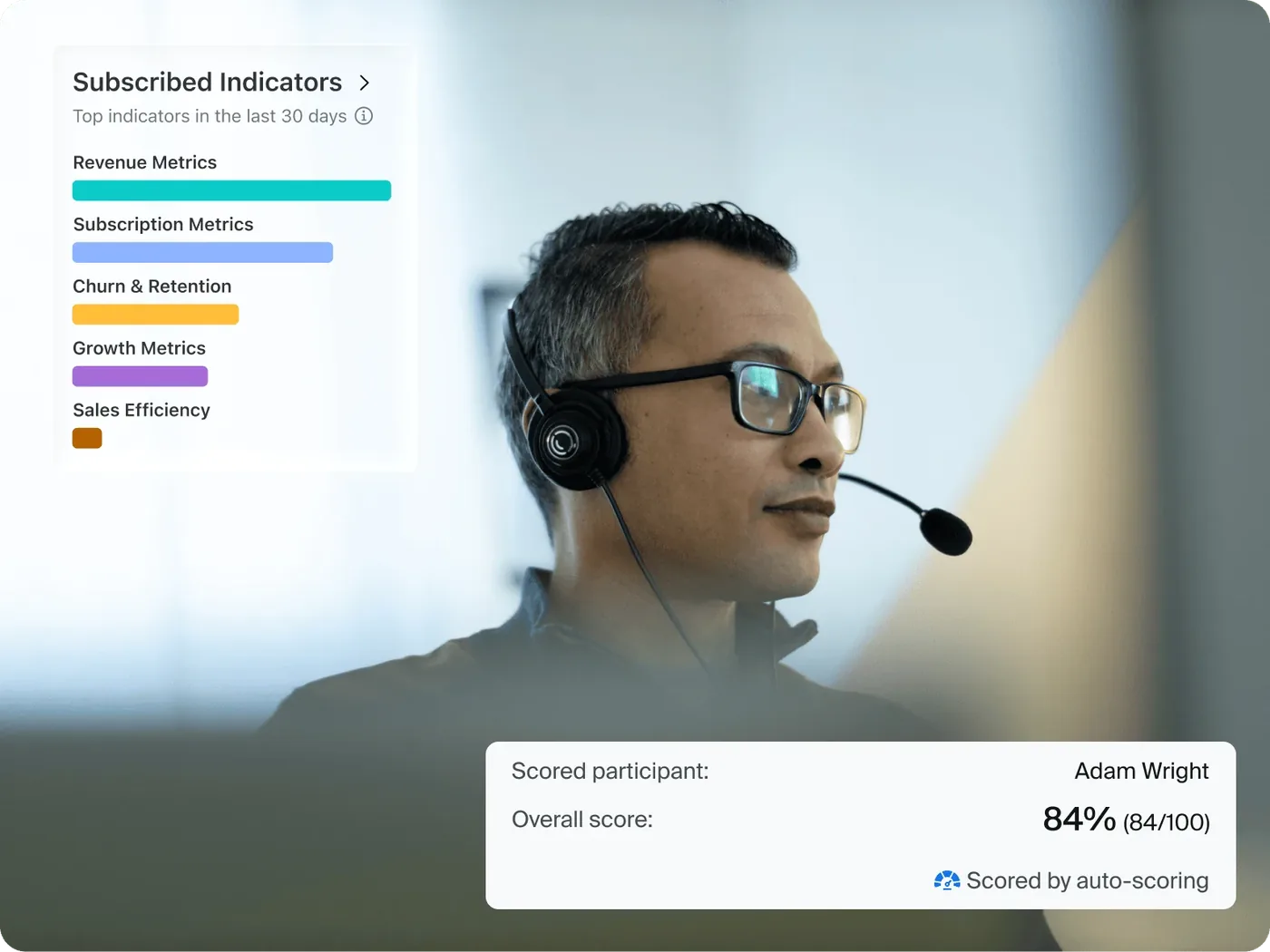



AI in Zoom: built into everything, and it gets things done
Zoom is an AI-first platform where context plays the lead role. AI runs through every meeting, chat and call, ZoomMate turns them into finished work, and Virtual Agent answers the questions. Duppal sets it all up, with governance from day one.
One teammate, one front door, one partner
ZoomMate helps your people get work done. Virtual Agent helps the people who come to you with questions, outside or inside the building. Together they cover both sides of every conversation.
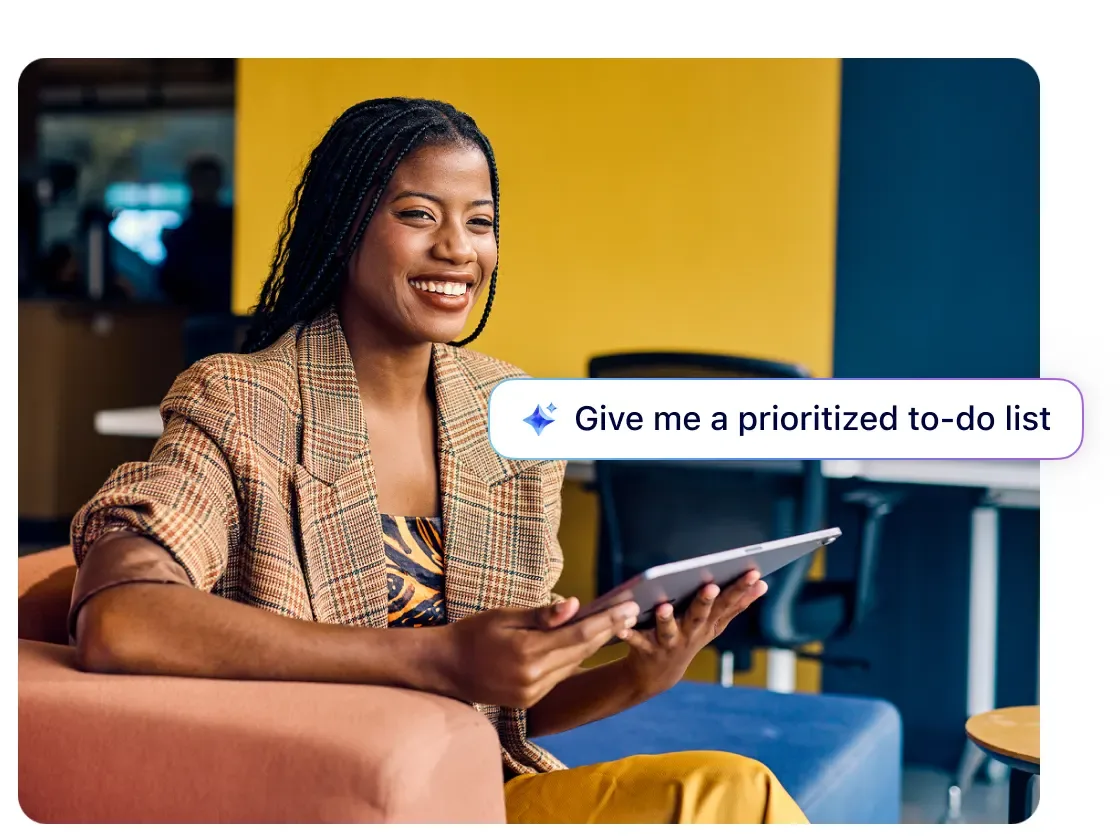 For your teams ZoomMate The AI teammate in Zoom Workplace. It learns from your conversations and acts on them: agendas, decks, docs, follow-ups and research.
ZoomMate Basic comes with free Zoom Workplace Basic
Routines such as a daily briefing and a weekly summary
Connectors to Salesforce, Jira, Google Drive and OneDrive
Pre-built and custom agents in the paid version
Explore ZoomMate
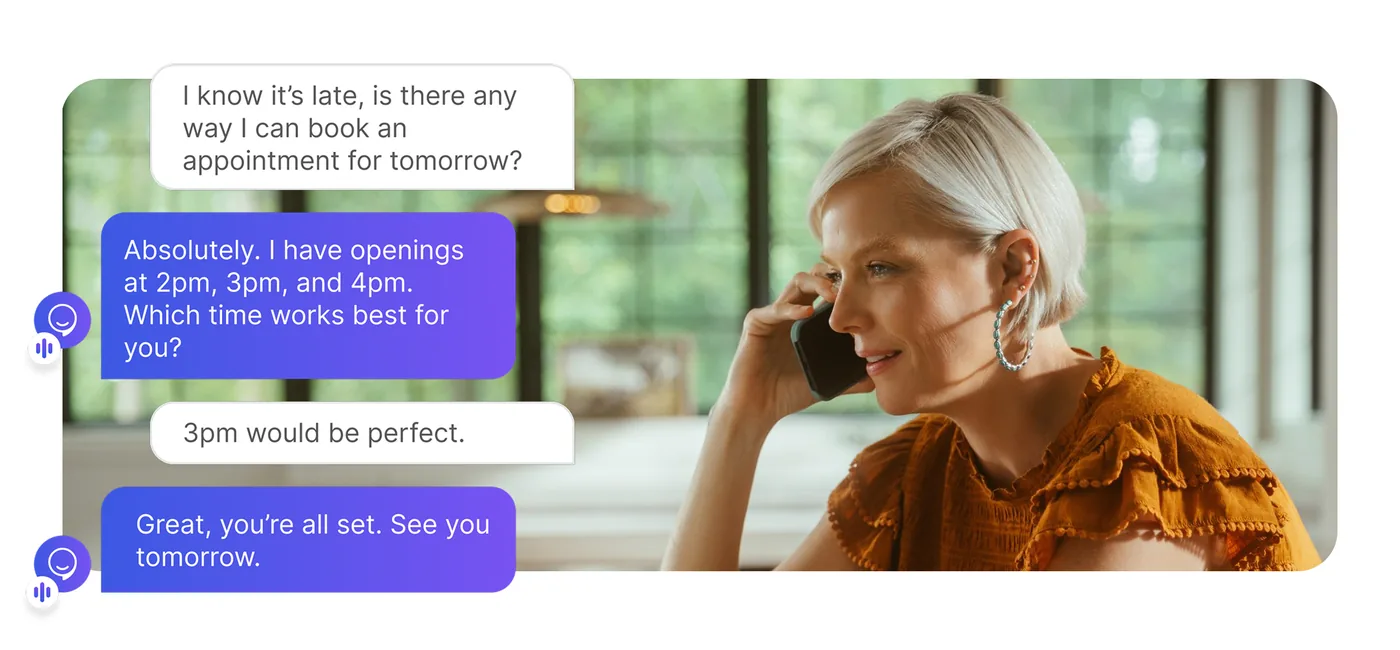 For your customers and your helpdesk Zoom Virtual Agent A virtual agent that answers by chat and voice, completes processes end to end and hands over to a human with the full history. Customers and employees alike.
Draws on your own websites and knowledge bases
Keeps context across every touchpoint
Works with Salesforce, ServiceNow, Dynamics and Zendesk
Set up and managed by Duppal
Explore Virtual Agent
From assistant to agent
For years, AI was a smarter search bar: you asked, it answered. Now it captures what is said, understands it in context and carries out the follow-up, with you approving the result.
- After a client call, the follow-up and the CRM note are ready to check
- A deliverable agreed in a meeting becomes a ticket in Jira
- Answers come from your meetings and connected files, with citations
- A customer switches from bot to human and never repeats a word

AI is not a feature in Zoom. It is the platform.
There is no separate AI corner to go looking for. It sits in everything you already use, and context is what makes it useful.
-
In every conversation
Meetings, chat and phone calls all feed the same context, so the AI knows what was said and what it relates to.
-
In the documents you make
Slides, Sheets, Docs, Canvas and My Notes form an AI productivity suite, with your conversations as the raw material.
-
In one teammate: ZoomMate
The agent that works across all of it, prepares the follow-up and acts in the tools you connect.
-
At your front door
Virtual Agent answers customers and employees by chat and voice, and hands over to a person when it should.
Governance first, features second
If AI makes the wrong decision, who is accountable? Your organisation is. That is why we set up governance from the start.
- Access rights stay intact Zoom’s AI works within your existing security model. A junior employee does not suddenly get access to boardroom documents.
- Your content trains nothing Zoom does not use customer content to train its own models or any third-party models.
- IT stays in control IT managers decide which AI features are switched on, team by team.
- Ready for education and healthcare Zoom adapted its policies with SURF for Dutch education. Virtual Agent has its own Data Transfer Impact Assessment under GDPR.
The technology is the easy part
Research by Omdia, presented at Enterprise Connect 2026, asked what stops enterprises from getting real value out of AI. The answers are organisational.
How we drive user adoption- cite limited employee training or adoption
- 38%
- cite a lack of leadership support
- 36%
How we bring AI into your organisation
Organisations that treat AI as part of their infrastructure get ahead. We help you make it one.
-
Step 1
Strategy
We agree on your AI policy and the choices that come with it.
-
Step 2
Design
Use cases, connectors, access rights and conversation flows.
-
Step 3
Implementation
We configure ZoomMate, Virtual Agent or both.
-
Step 4
Adoption
Training and change support, so people actually use it.
-
Step 5
Management
We monitor the results and refine as you evolve.
Questions we often hear
What is the difference between ZoomMate and Virtual Agent?
ZoomMate works for your own employees inside Zoom Workplace, turning meetings, chats and documents into finished work. Virtual Agent answers questions by chat and voice, for customers and students or as an internal helpdesk, and hands over to a human when needed.
Is our data safe with AI in Zoom?
Zoom does not train its models on customer content, and the AI respects your existing access rights. IT decides which features are on. For education and healthcare, Zoom offers a dedicated DTIA under GDPR as well as HIPAA-aligned controls.
Who is accountable when AI makes a decision?
Your organisation. AI is part of your infrastructure, the same way any other system is. That is why we set up governance before we switch features on.
Where should we start?
Most organisations start with ZoomMate, because ZoomMate Basic already comes with the free Zoom Workplace Basic plan. Virtual Agent follows where the same questions keep coming in, from customers or from your own people. A first conversation with one of our experts shows which order fits you.
What could AI do for your organisation?
Tell us where time gets lost today, inside your teams or in customer contact. One of our experts shows you where AI in Zoom makes the difference.